

Simplified Payment Platform for Every School Fee
A secure, scalable portal that enables schools to collect, manage, and reconcile all fees in one place.
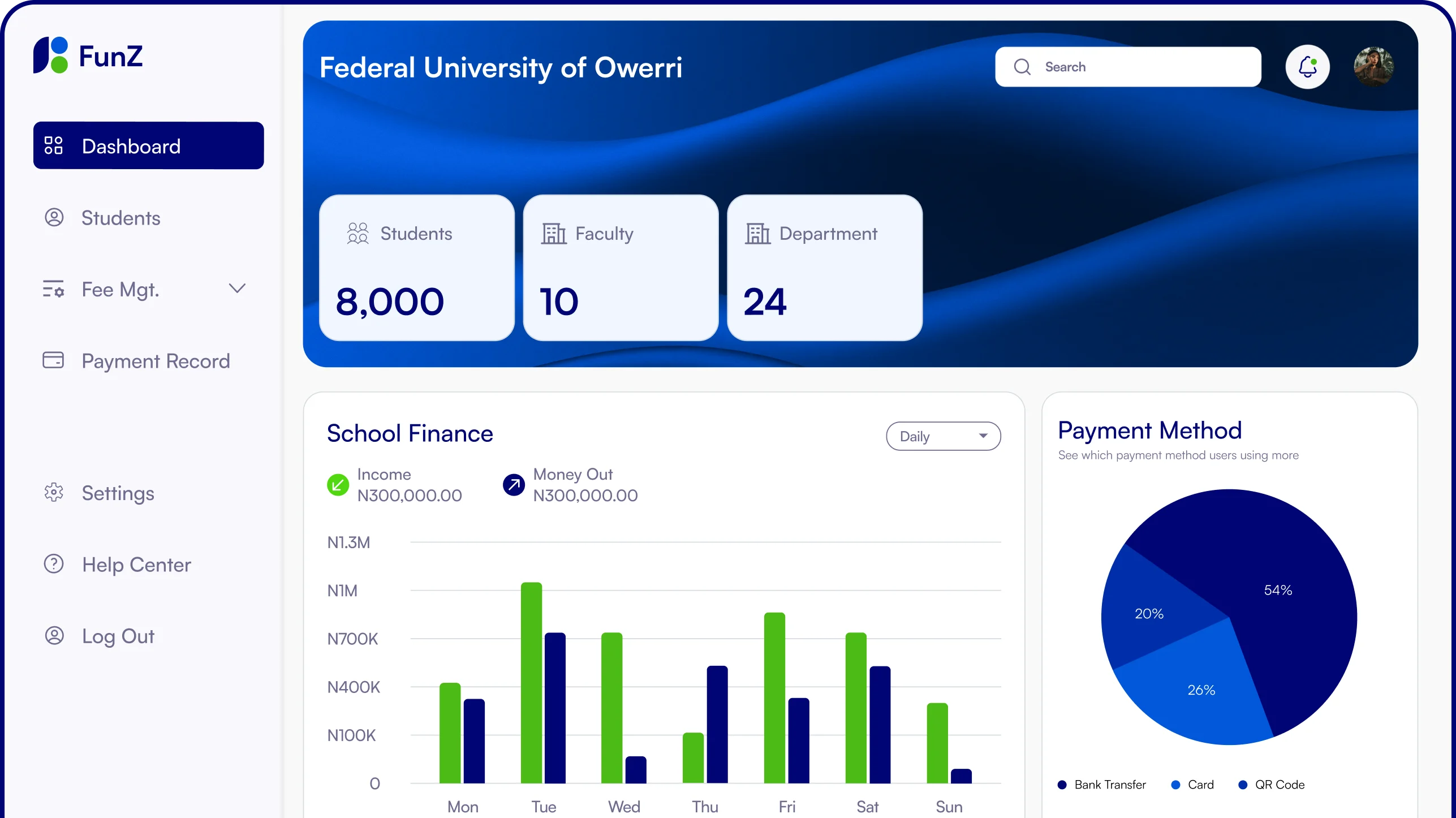
The FunZEdu Advantage
If a school charges it, FunZ Edu can collect it.
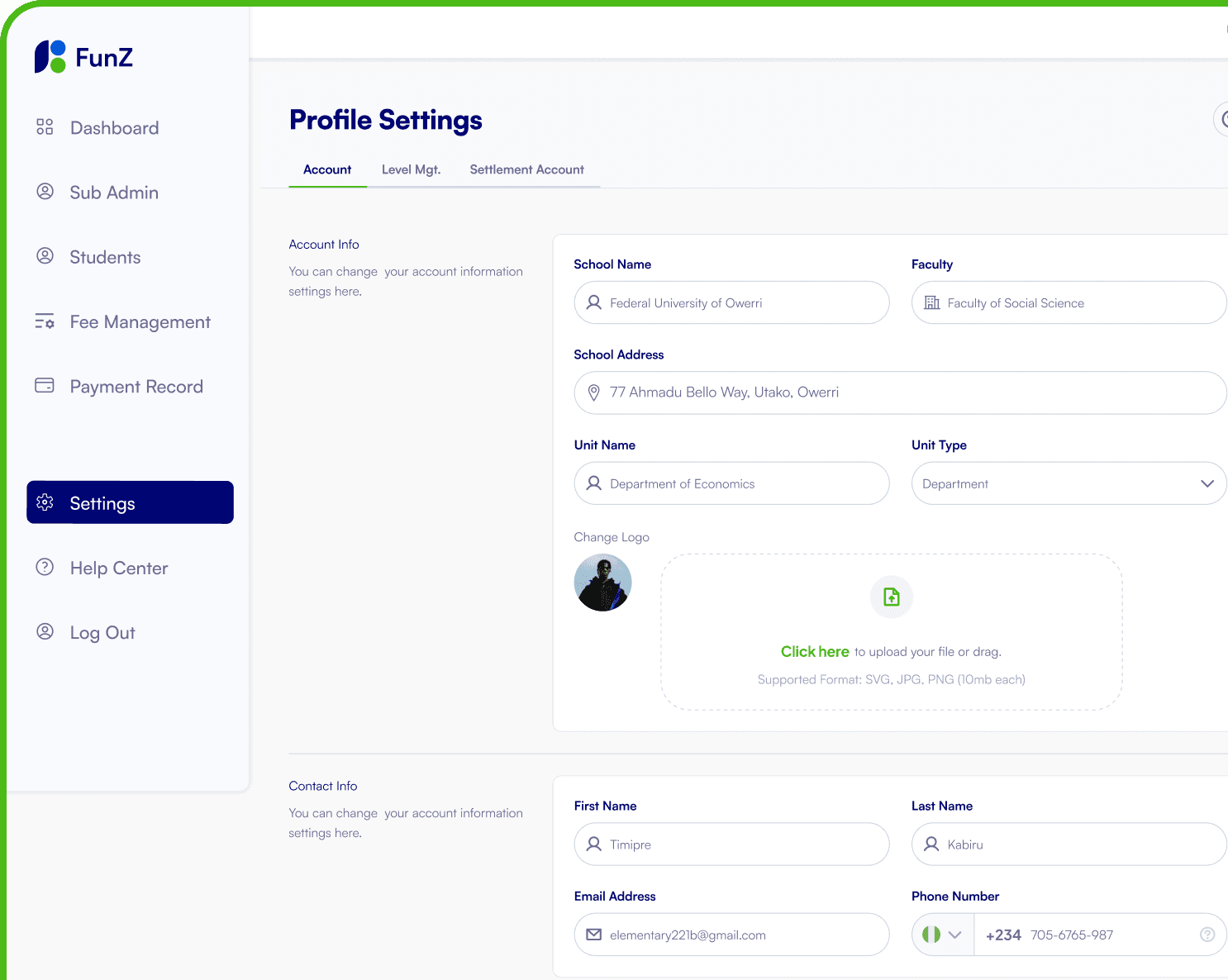
Full Control Over Your Profile
Easily manage your information and preferences. Whether you are an administrator or staff, FunZ Edu lets you personalize your profile to match how you work.

Fragmented and Manual Payments →
Centralized Digital Portal
Move from manual receipts and scattered records to a single, unified platform for collecting and managing all institutional fees.

Cash Handling and Payment Disputes →
Automated Reconciliation
Eliminate cash risks and disputes with automated matching of payments, instant confirmations, and clear audit trails.

Limited Visibility →
Real-Time Payment Tracking
Gain instant insight into who has paid, what was paid for, and outstanding balances—across students, classes, and institutions.

Poor Reporting →
Audit-Ready Financial Reports
Replace delayed and inaccurate reports with structured, downloadable reports designed for audits, compliance, and decision-making.
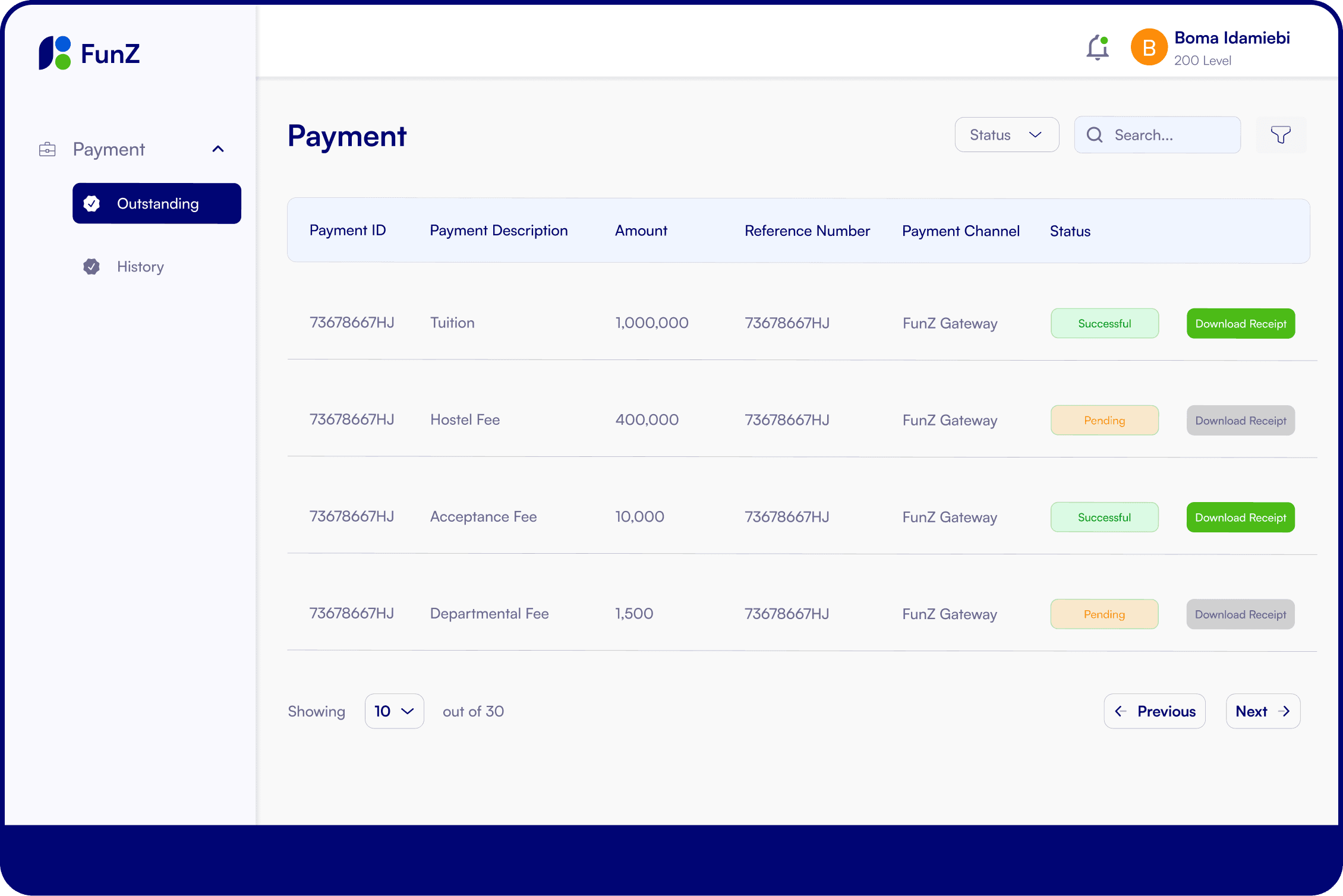
One Dashboard For All Student Fees
Students can view all pending and completed fees in one place, track the payment status of each obligation in real time, and make payments at their convenience, eliminating missed payments, confusion, and last-minute rush hours.

- tuition
- exam
- hostel
- uniform
- events
- health
- transport
- custom fees
- transcript

Set to manage all School Fees Seamlessly?
Get Started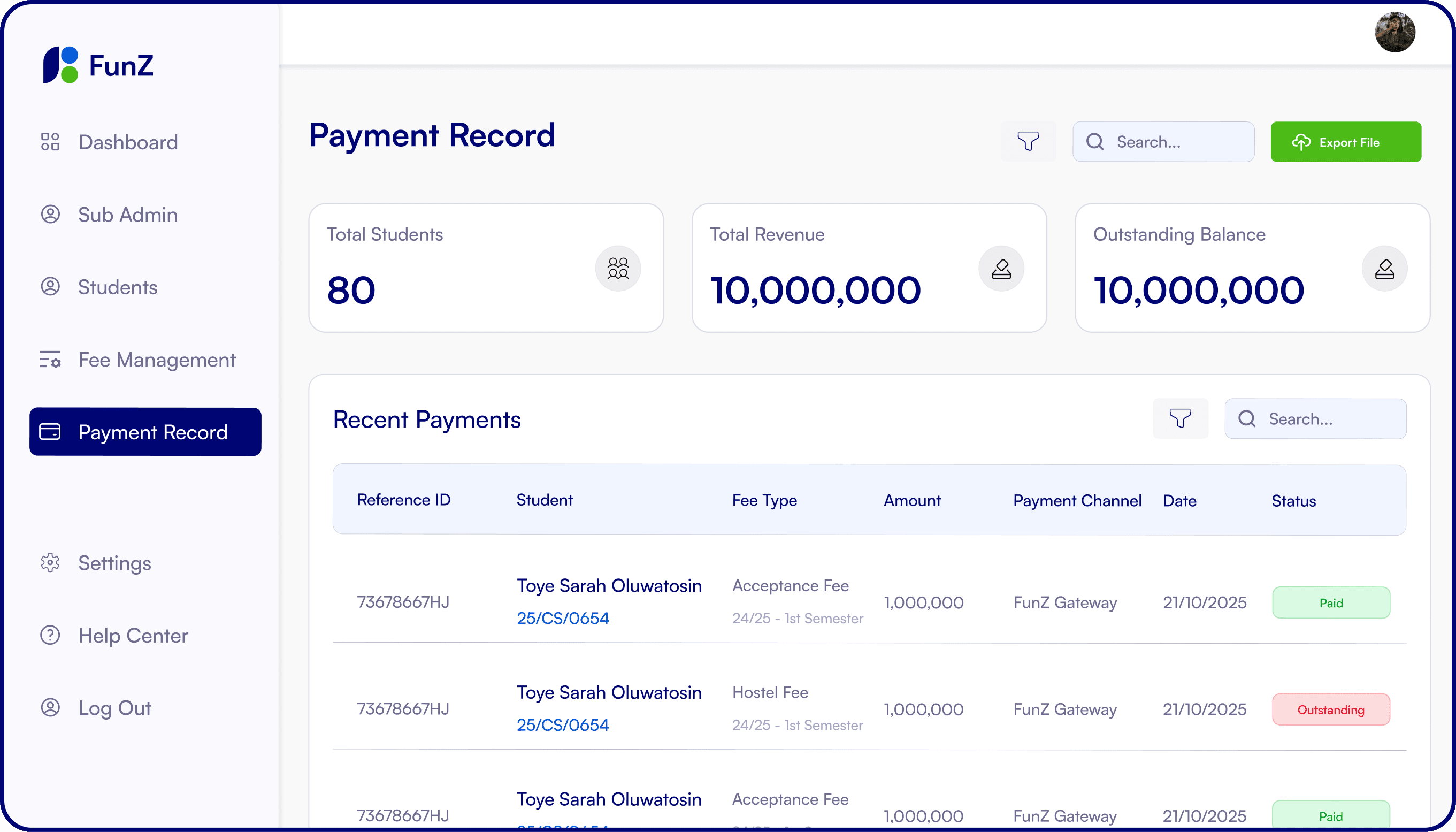
How We Can Help You?
We've compiled the most common inquiries about our platform to help you make an informed decision.
Users can log into the portal, select the fee they wish to pay, and complete payment using the available payment methods.
After completing a payment, the system immediately displays a payment confirmation notification.
Yes. Receipts can be downloaded directly from the payment history section of the portal.
Wait a few minutes to see if the payment updates automatically. If it does not, contact FunZ support with the transaction reference.
If you forget your password: 1. Click Forgot Password on the login page. 2. Enter your registered email address. 3. Follow the instructions sent to your email to reset your password.
Payments may fail due to: 1. Insufficient funds 2. Incorrect payment details 3. Network interruptions 4. Bank authorization issues
To create an account: 1. Visit the FunZ EduPay portal. 2. Select Register. 3. Choose your user type (School, Parent, or Student). 4. Enter the required information and verify your account.
Yes. The portal maintains a complete transaction history for every user.
Yes. School administrators can generate detailed reports including: • Total payments received • Outstanding fees • Payment breakdown by category • Transaction logs
Users can contact support through the help center or support email provided on the platform.